DLSS frame generation explained: how Multi Frame Generation boosts game performance in 2025
DLSS 4 marks a pivotal shift for game performance, pairing Multi Frame Generation with new transformer-based AI models to reimagine real-time rendering. Instead of generating just one AI frame between traditionally rendered frames as in DLSS 3, the latest approach can synthesize up to three additional frames per render, multiplying throughput while preserving detail and responsiveness. The result is a dramatic uplift that turns fully ray-traced set pieces into fluid experiences, even at 4K and high refresh rates.
This step-change is powered by NVIDIA’s Blackwell architecture and 5th‑gen Tensor Cores, delivering up to 2.5x more AI acceleration. The optical flow stage—once handled by fixed-function hardware—is now driven by a lean AI model, cutting compute overhead and reducing VRAM usage. In parallel, a real-time transformer model upgrades DLSS Super Resolution, DLAA, and Ray Reconstruction, pushing image stability, motion detail, and temporal coherence to new heights.
To grasp what’s new, picture a fast-paced action sequence. DLSS 3’s single-frame injection raised average FPS but could struggle with pacing variability under heavy scenes. DLSS 4’s Flip Metering shifts pacing to the display engine for even spacing between more generated frames, keeping motion silk-smooth. Pair that with frame-time consistency and lower end-to-end latency, and the upgrade becomes obvious the moment camera pans sweep across complex geometry.
What changes under the hood
Three technology pillars explain why DLSS 4 changes the conversation around gaming technology and graphics optimization:
- 🔁 Multi Frame Generation: Generates multiple AI frames per render, multiplying throughput without brute-force rasterization.
- 🧠 Transformer AI: Vision transformer evaluates context across the entire frame and across time, boosting temporal stability and cutting ghosting.
- ⏱️ Flip Metering: Hardware-paced display timing ensures consistent delivery of frames for smoother perceived motion.
Consider a fictional studio, Beacon Forge, shipping a sci-fi shooter that’s heavy on volumetrics and path-traced reflections. On a previous-gen pipeline, late-game firefights at 4K would dip below the team’s target refresh rate. By integrating DLSS 4, the build hits 4K 240 FPS on RTX 5090 under select sequences, with PC latency halved against equivalent brute-force rendering. Production benefits ripple across QA and performance tuning, too—art teams retain the look they want while engineering maintains deterministic frame pacing.
| Feature ⚙️ | DLSS 3 🔶 | DLSS 4 🔷 | Impact 🚀 |
|---|---|---|---|
| Frame Generation | 1 AI frame per render | Up to 3 AI frames per render | Higher FPS, smoother motion |
| Optical Flow | Hardware accelerator | Efficient AI model | Less overhead, better scaling |
| AI Model Speed | Baseline | ~40% faster | More headroom for effects |
| VRAM Usage | Higher | ~30% less | Improved 4K viability |
| Frame Pacing | CPU-paced | Flip Metering (display engine) | Even delivery, less judder |
Industry momentum is real: more than 700 RTX games and apps already support DLSS features, and 75 titles are adopting Multi Frame Generation around the GeForce RTX 50 launch window. Broader AI momentum also shapes the roadmap—major partnerships and national strategies help bring cutting-edge models to consumer hardware, as seen in APEC collaboration coverage that contextualizes how frontier AI research trickles down to everyday play experiences. In short, DLSS 4 reframes the balance between fidelity and fluidity—and it sets up the next section on measured results and latency to show why those changes matter in practice.
Before diving into performance case studies, it’s worth noting that DLSS’s transformer models draw from the same high-level concepts that drive frontier AI, further grounding the transition to smarter, context-aware upscaling for games.
Measured gains: latency, VRAM, and the 8x multiplier in real games
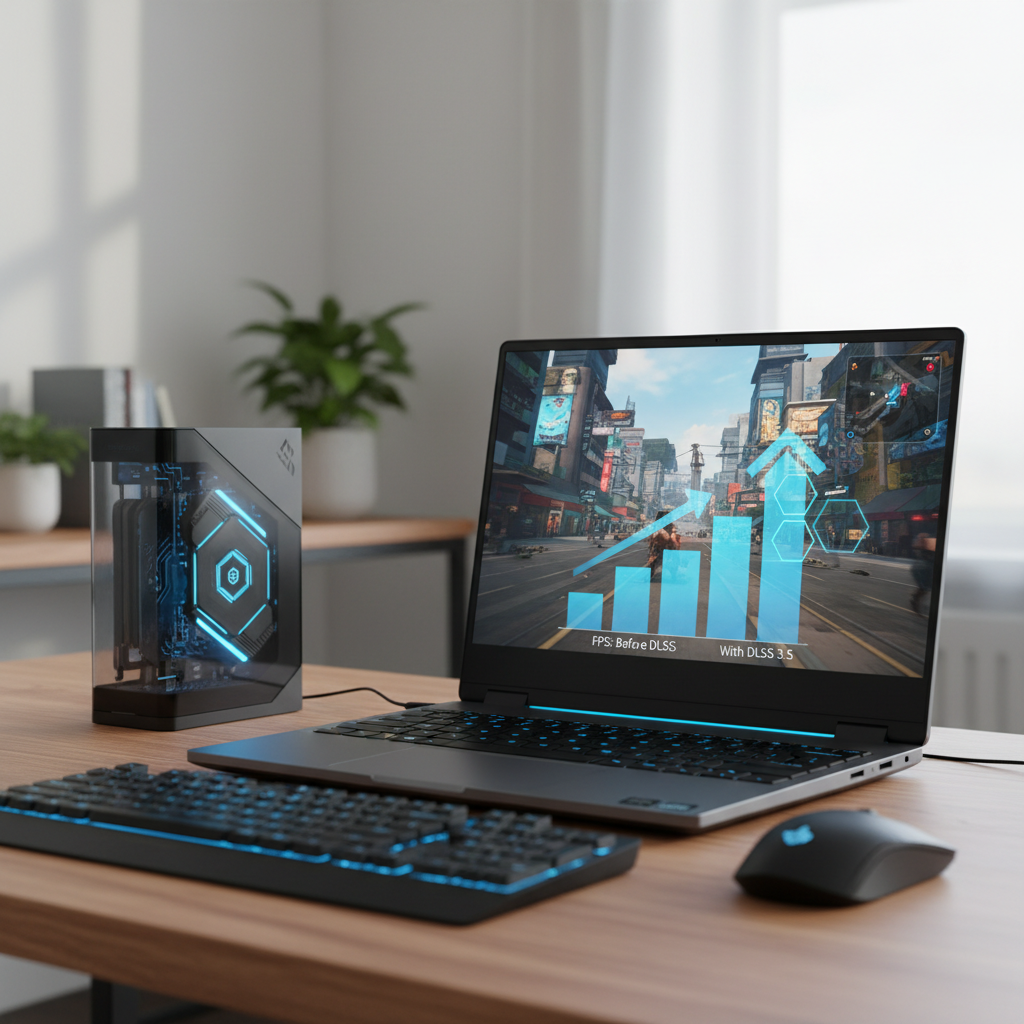
Claims are only as good as their numbers. In flagship demos, DLSS 4 with Multi Frame Generation on a GeForce RTX 5090 delivers over 8x the performance of brute-force rendering in a demanding Cyberpunk 2077 scene with full ray tracing enabled. The jump isn’t just raw frames; total PC latency is cut by about half, which translates to snappier inputs and fewer “floaty” moments during aim tracking or rapid camera cuts.
Efficiency matters. The new frame generation model is ~40% faster and uses ~30% less VRAM. In a Warhammer 40,000: Darktide test at 4K max settings, frame rate climbed by roughly 10% while saving around 400 MB—critical headroom that can be redirected to higher-quality textures or more aggressive ray-traced effects. Even more interesting: upgrading a game from Frame Generation to Multi Frame Generation can yield up to a 1.7x boost at the same settings, addressing both average FPS and consistency.
How “more frames” stays responsive
Generating multiple frames raises fair concerns: Does interpolation inflate latency? The pacing changes answer that. By moving timing to the display engine via Flip Metering, DLSS 4 evens out intervals between both rendered and generated frames, limiting the drift that can magnify input lag. When paired with Reflex and an appropriate graphics queue depth, the result feels anchored rather than slippery—especially in 120–240 Hz ranges where micro-stutter is noticeable.
- ⚡ Cyberpunk stress scenes: 8x throughput uplift with halved latency yields responsive path-traced driving segments.
- 🛡️ Darktide hordes: 10% higher FPS and ~400 MB VRAM savings at 4K make max settings plausible on top silicon.
- 🏁 Racing sims: More stable frame pacing reduces “judder” during fast horizon scans, improving motion clarity.
- 🎯 Competitive shooters: 1.7x from FG→MFG helps maintain headroom for CPU spikes or complex particles.
Consider Maya, a ranked FPS enthusiast who pairs an RTX 5080 with a 240 Hz 1440p panel. With DLSS Super Resolution in Quality mode and Multi Frame Generation enabled, Maya moves from 160–180 FPS fluctuating to a steadier 220–240 FPS bracket, with Reflex taming queue latency. The lift allows higher shadow and volumetric settings without losing the crisp input feel that defines competitive play.
| Scenario 🎮 | Baseline FPS | DLSS 4 + MFG FPS | Latency Trend ⏱️ | Notes 🧩 |
|---|---|---|---|---|
| Cyberpunk 2077 (RT Overdrive) | ~30 | ~240 | ~50% lower | 4K path tracing showcase |
| Darktide 4K Max | ~90 | ~100 (+10%) | Stable | ~400 MB VRAM saved |
| FG → MFG upgrade | Varies | Up to 1.7x | Better pacing | Even cadence with Flip Metering |
| Racing sim @ 120 Hz | ~100 | ~180 | Reduced judder | Cleaner horizon pans |
Looking beyond flat-panel gaming, headset manufacturers and engine teams are watching closely. Higher, steadier frame delivery is pivotal for XR comfort, as highlighted in the broader ecosystem reporting such as this XR and VR news roundup. The throughline is simple: when advancements in AI-driven frames meet optics, comfort and presence improve together.
Macroeconomic context also nudges adoption. Strategic AI collaborations—including initiatives showcased in APEC announcements—accelerate the pace at which transformer techniques make the leap from research to consumer GPUs. These pipelines ultimately produce better upscaling and more consistent graphics optimization for players at home. With the data in hand, the next concern is compatibility and setup—how to enable these gains on existing and upcoming rigs.
Compatibility, setup, and DLSS Override: getting Multi Frame Generation working
Enabling DLSS 4 isn’t a guessing game. Backward-compatible integrations and the NVIDIA app streamline the path from install to optimized play across GeForce RTX generations. The rule of thumb: Multi Frame Generation is exclusive to RTX 50 Series GPUs, while RTX 40 Series users get upgraded Frame Generation models and lower VRAM usage. All RTX owners—50, 40, and 30/20—benefit from the new transformer models powering Super Resolution, Ray Reconstruction, and DLAA.
That universality comes with convenience. Many of the 75 launch-window titles introduce native toggles for Multi Frame Generation, yet for games that lag behind, DLSS Override in the NVIDIA app can activate the latest models anyway. It’s a few clicks under Graphics → Program Settings → Driver Settings, and suddenly games adhere to a common best-practice baseline—even before developers patch in dedicated menus.
Quick-start checklist
- 🧩 Update drivers: Install the latest Game Ready Driver and NVIDIA app to unlock DLSS 4 options.
- 🔁 Turn on DLSS: Enable Super Resolution first, then toggle Frame Generation or Multi Frame Generation based on GPU.
- 🛠️ Use DLSS Override:
- ✅ Override for Frame Generation: Enables MFG on RTX 50 when FG is ON in-game.
- ✅ Override for Model Presets: Loads the newest FG model for RTX 50/40 and transformer models for all RTX.
- ✅ Override for Super Resolution: Forces internal render scale (DLAA or Ultra Performance).
- ✅ Override for Frame Generation: Enables MFG on RTX 50 when FG is ON in-game.
- ✅ Override for Model Presets: Loads the newest FG model for RTX 50/40 and transformer models for all RTX.
- ✅ Override for Super Resolution: Forces internal render scale (DLAA or Ultra Performance).
- 🎯 Set Reflex: Keep NVIDIA Reflex enabled for the lowest input latency.
- 🖥️ Check VRR: Ensure G‑Sync/FreeSync is active for smoother pacing across refresh swings.
| GPU Series 🧭 | Multi Frame Generation | Upgraded FG Model | Transformer SR/RR/DLAA | Best Use Case 🌟 |
|---|---|---|---|---|
| RTX 50 | Yes ✅ | Yes ✅ | Yes ✅ | 4K 120–240 Hz, heavy ray tracing |
| RTX 40 | No ❌ | Yes ✅ | Yes ✅ | 1440p–4K with upgraded FG and better VRAM use |
| RTX 30 / 20 | No ❌ | No ❌ | Yes ✅ | 1080p–1440p with transformer Super Resolution |
For VR and mixed reality creators, consistent frame pacing is gold. Reports collated in XR/VR industry coverage echo the importance of predictable frametimes for comfort, mirroring what Flip Metering brings to flat-screen gaming. Partner efforts highlighted in global AI partnership news further hint at a future where transformer-driven real-time rendering standards are ubiquitous. With setup covered, attention turns to what players see: image quality under motion.
Seeing is believing, and the jump in temporal stability is most obvious in difficult lighting and fine geometric patterns—perfect framing for the next deep dive.
Transformer image quality: motion clarity, anti-ghosting, and smarter upscaling
The heart of DLSS 4’s fidelity leap is a vision transformer that evaluates relationships between pixels across the whole frame and over time. That global context lets the model infer finer detail on moving objects while maintaining steady edges, delivering a palpable reduction in ghosting and shimmer. Where conventional CNN-based approaches excel at localized patterns, the transformer recognizes broader structures—roads, wires, lattices—and preserves them during fast motion.
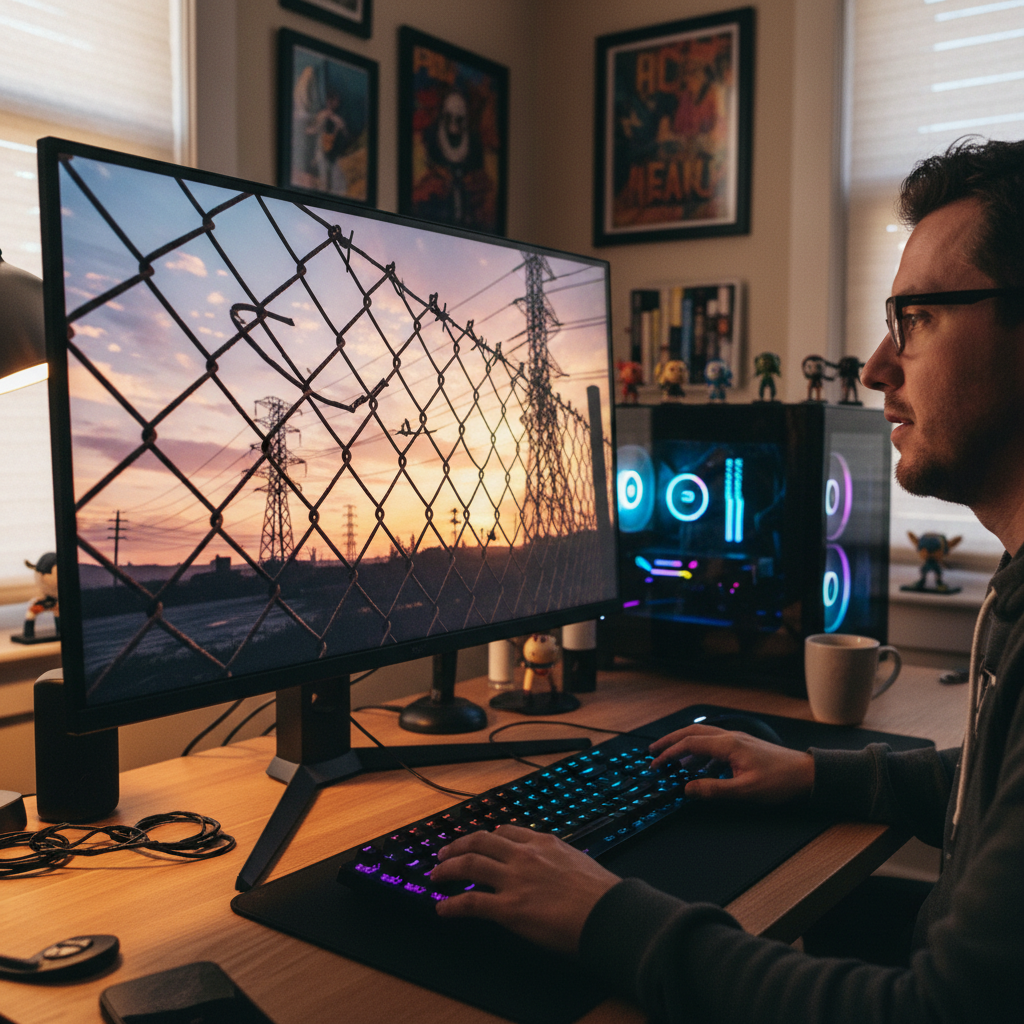
In practice, this matters in scenes where fine geometry intersects with dynamic lighting. A vivid example is the way chain-link fences, spinning fans, and angled power lines hold together in Alan Wake 2. With the transformer-based Ray Reconstruction, flicker fades and the scene reads more like a reference-quality render than a compromise. Likewise, in Horizon Forbidden West Complete Edition, texture detail in clothing and accessories gains clarity that survives quick camera sweeps—a strong signal that the model is tracking context across frames rather than just reapplying local filters.
Why the transformer helps during motion
- 🧭 Global attention: Self-attention weighs pixel importance across the entire frame, improving edge stability.
- 📽️ Temporal reasoning: Multi-frame context reduces ghosting on fast-moving elements and particles.
- 🔍 Detail preservation: Higher detail retention during motion improves legibility of texture work and small geometry.
- 🧪 Future headroom: Double the parameters vs prior CNN models provide space for ongoing advancements.
These benefits stack with Multi Frame Generation, which already lifts frame rate. The combined effect is subtle: motion looks correct, not just fast. The transformer’s qualitative gains are most visible in ray-traced content—caustics, glossy reflections, and area lights retain consistent sharpness to the eye. For creators, that means fewer compromises in lighting pipelines and less manual massaging of temporal filters in post.
| Quality Factor 🖼️ | CNN-era DLSS | Transformer DLSS 4 | Viewer Impact 👀 |
|---|---|---|---|
| Temporal Stability | Good | Excellent | Fewer flicker artifacts |
| Motion Detail | Moderate | High | Sharper moving textures |
| Ghosting | Occasional | Minimal | Cleaner object trails |
| Edge Smoothness | Variable | Consistent | Reduced shimmer on wires/fences |
| Ray-Traced Noise | Higher | Lower | More coherent lighting |
As engines adopt these models at scale, expect broad alignment between what artists author and what players experience in motion. Coverage tracking the growth of real-time AI pipelines—such as Jensen Huang’s strategic remarks and extended reality updates—highlights how “AI-first rendering” is fast becoming a default assumption. The next piece of the puzzle is practical tuning: which settings map to which goals, for different GPUs and displays.
Practical tuning for 2025: settings that maximize DLSS 4 benefits
Whether chasing competitive stability or cinematic fidelity, the right combination of upscaling mode, frame generation, and sync options determines end-to-end feel. The principles are simple: favor Quality or Balanced Super Resolution for image sharpness, combine with Multi Frame Generation for fluidity on RTX 50, and use Reflex plus VRR for responsiveness. A focus on graphics optimization and consistent frame pacing often beats raw peak FPS.
For esports-minded players on 1440p 240 Hz, a setup might be DLSS Quality + MFG + Reflex On + Ultra Low Latency mode, minimizing queues. For visually rich single-player at 4K, Balanced or Quality plus MFG retains detail while vaulting over 120 Hz. Make sure to monitor VRAM: the newer model trims usage, but heavy texture packs can still blow past 12 GB at 4K if unchecked.
Recommended presets by goal
- 🎯 Competitive (1440p/240 Hz): DLSS Quality + Multi Frame Generation, Reflex On, low post-process blur, VRR enabled, frame cap near refresh.
- 🎬 Cinematic (4K/120–240 Hz): DLSS Balanced + MFG, high ray-traced shadows/reflections, Reflex On, VRR, ensure Flip Metering supported.
- 🛠️ Creator/Dev Preview: DLAA for final shots, switch to Super Resolution Balanced + MFG for real-time iteration, capture at fixed frametimes.
- 🕶️ XR/Sim Focus: Favor stable frametimes, Quality SR + MFG with conservative post-fx; see industry XR briefs for comfort targets.
| Build 🧰 | Target | Core Settings | Expected Feel 😊 | Notes 📝 |
|---|---|---|---|---|
| RTX 5090 + 4K/240 Hz | Max fidelity & speed | SR Balanced + MFG, RT High, Reflex On | Ultra-smooth | Flip Metering optimizes pacing |
| RTX 5080 + 1440p/240 Hz | eSports | SR Quality + MFG, RT Medium, Reflex On | Snappy | Cap at 237–238 Hz |
| RTX 4090 + 4K/120 Hz | Balanced visuals | SR Quality + FG (upgraded), RT High, Reflex On | Very smooth | VRAM usage improved |
| RTX 3080 + 1440p/144 Hz | Value | SR Balanced (Transformer), RT Off/Low | Consistent | Use DLSS Override for latest model |
For studios, the prescription is similar: ship with sane defaults, expose presets that map to common displays, and test Flip Metering behavior under stress. It’s worth following policy-level AI moves—like those discussed in strategic AI collaboration coverage—given how quickly model improvements roll down into SDKs. As adoption grows, more games will feel “correct” out of the box, requiring fewer tweaks to hit the sweet spot between flair and feel.
Ecosystem momentum: supported games, upgrade paths, and what’s next
Momentum counts. At launch, 75 games and apps enable DLSS Multi Frame Generation on RTX 50 GPUs, with all RTX cards gaining the transformer-based upgrades for Ray Reconstruction, Super Resolution, and DLAA. Headline releases—Alan Wake 2, Cyberpunk 2077, Indiana Jones and the Great Circle, Star Wars Outlaws—reinforce the mainstream pivot toward AI-first pipelines. In the near term, Black Myth: Wukong, NARAKA: Bladepoint, Marvel Rivals, and Microsoft Flight Simulator 2024 follow suit, while several future titles ship with MFG on day one.
Crucially, the NVIDIA app makes it possible to bring late adopters forward via DLSS Override. The driver-layer toggle loads transformer models and, on RTX 50, enables MFG when a game already supports Frame Generation. That means players don’t have to wait for every studio to patch; the platform fills gaps so performance and image quality improvements arrive on a common cadence.
Why this matters for developers and players
- 🧱 Backward compatibility: Existing DLSS integrations can automatically benefit from transformer models.
- 📈 Immediate uplift: Titles with Frame Generation can jump to MFG on RTX 50 via override.
- 🌐 Industry signal: Coverage of XR/VR growth and AI partnerships—see this XR news hub and APEC insights—points to widespread adoption trajectories.
- 🧮 Hardware headroom: 5th‑gen Tensor Cores deliver the throughput needed to run multiple AI models per frame within milliseconds.
| Pillar 🏛️ | What’s New | Who Benefits | Player Takeaway ✅ |
|---|---|---|---|
| Multi Frame Generation | Up to 3 generated frames | RTX 50 owners | Huge FPS, smoother pacing |
| Transformer Models | SR, RR, DLAA upgraded | All RTX owners | Cleaner motion, less ghosting |
| DLSS Override | Driver-level toggles | Players with NVIDIA app | Faster adoption |
| VRAM + OFA changes | AI optical flow, less VRAM | All MFG/FG users | Better 4K stability |
| Flip Metering | Hardware display pacing | RTX 50 series | Even frame delivery |
Enterprises also have skin in the game. Real-time viz, digital twins, and virtual production thrive when frames are both fast and correct. Reports mapping the broader AI landscape—like geopolitical AI collaboration recaps—underscore why transformer-driven pipelines are a safe bet. And with XR adoption signals aligning around higher refresh and stability targets, the ecosystem is converging on the same performance philosophy: generate more frames when you can, generate smarter frames when you must.
To wrap the thread: DLSS 4 lifts both the ceiling and the floor—ceiling via 8x performance multipliers for spectacular showpieces, floor via transformer stability that makes motion look honest. The practical steps are straightforward, and the benefit is tangible after a single camera pan in a busy city street.
Does Multi Frame Generation increase input lag?
DLSS 4 addresses pacing by moving frame timing to the display engine with Flip Metering and pairing with NVIDIA Reflex. In practice, systems see roughly halved PC latency versus brute-force rendering in flagship demos, while delivering much higher FPS. The result feels more responsive, not less.
Which GPUs get DLSS 4’s biggest benefits?
RTX 50 Series GPUs unlock Multi Frame Generation, upgraded Frame Generation models, and the new transformer-based Super Resolution, Ray Reconstruction, and DLAA. RTX 40 gets upgraded FG and transformer models for SR/RR/DLAA. All RTX cards benefit from the transformer image-quality upgrades.
How many games support DLSS 4 at launch?
Around 75 games and apps support Multi Frame Generation near the RTX 50 launch window, with over 700 RTX titles featuring DLSS technologies overall. Many more can be enabled via the NVIDIA app’s DLSS Override options.
Is 4K 240 FPS realistic with ray tracing?
On top-tier hardware like the GeForce RTX 5090, DLSS 4 with Multi Frame Generation can achieve 4K 240 FPS in select sequences, especially in well-optimized titles and scenes. Results vary by game, settings, and system balance.
What’s the difference between DLSS 3 and DLSS 4?
DLSS 3 generates one AI frame per rendered frame and uses CPU-based pacing. DLSS 4 can generate up to three AI frames per render, uses a faster and leaner AI model with lower VRAM use, introduces transformer-based SR/RR/DLAA for image quality, and adopts hardware Flip Metering for smoother frame delivery.

Jordan has a knack for turning dense whitepapers into compelling stories. Whether he’s testing a new OpenAI release or interviewing industry insiders, his energy jumps off the page—and makes complex tech feel fresh and relevant.

Comments are closed