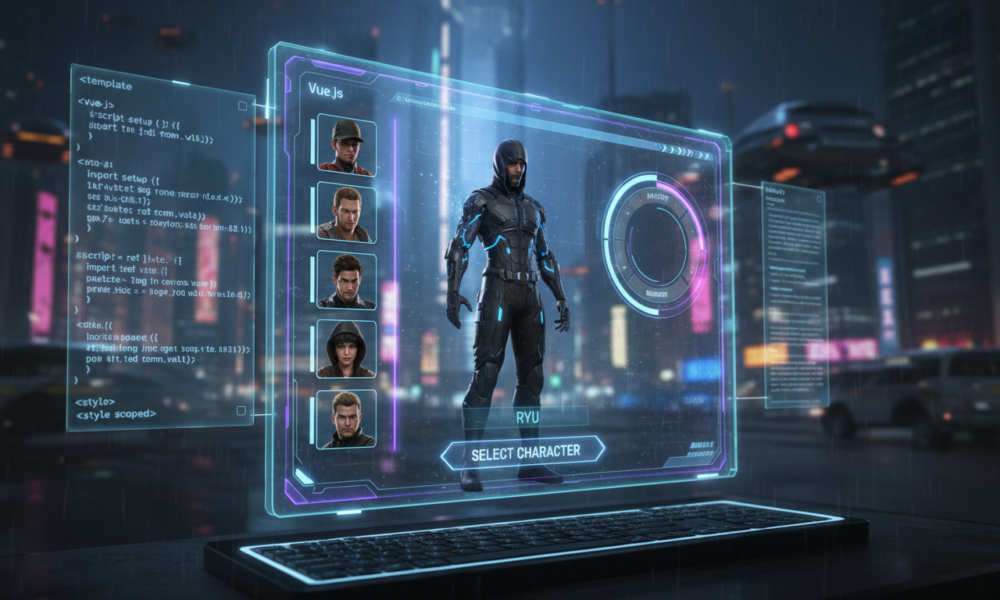
Elevating Server Identity Through High-Performance UI Architecture
The landscape of server infrastructure has shifted dramatically over the last twelve months. In the realm of game design 2025, the initial interaction a user has with a platform often dictates their long-term retention. We are no longer satisfied with static lists; the expectation is now a fluid, cinematic experience that bridges the gap between backend logic and frontend artistry. The UM Multi Character system represents a significant leap forward in this domain, leveraging a stack built on Vite, Vue3, and Tailwind CSS. This combination ensures that multi-character setup is not just functional but visually arresting, providing the high performance required by modern hardware without sacrificing aesthetic depth.
Implementing this system requires a shift in how we perceive virtual avatars. It is no longer about simply selecting a database entry; it is about initializing a session with intent. The architecture supports Framework Compatibility across major standards like ESX, QBCore, and QBox, making it a versatile tool for diverse server environments. By utilizing a modern web-based frontend, administrators can decouple the interface from the legacy constraints of older frameworks, allowing for smoother transitions and a more responsive user journey.
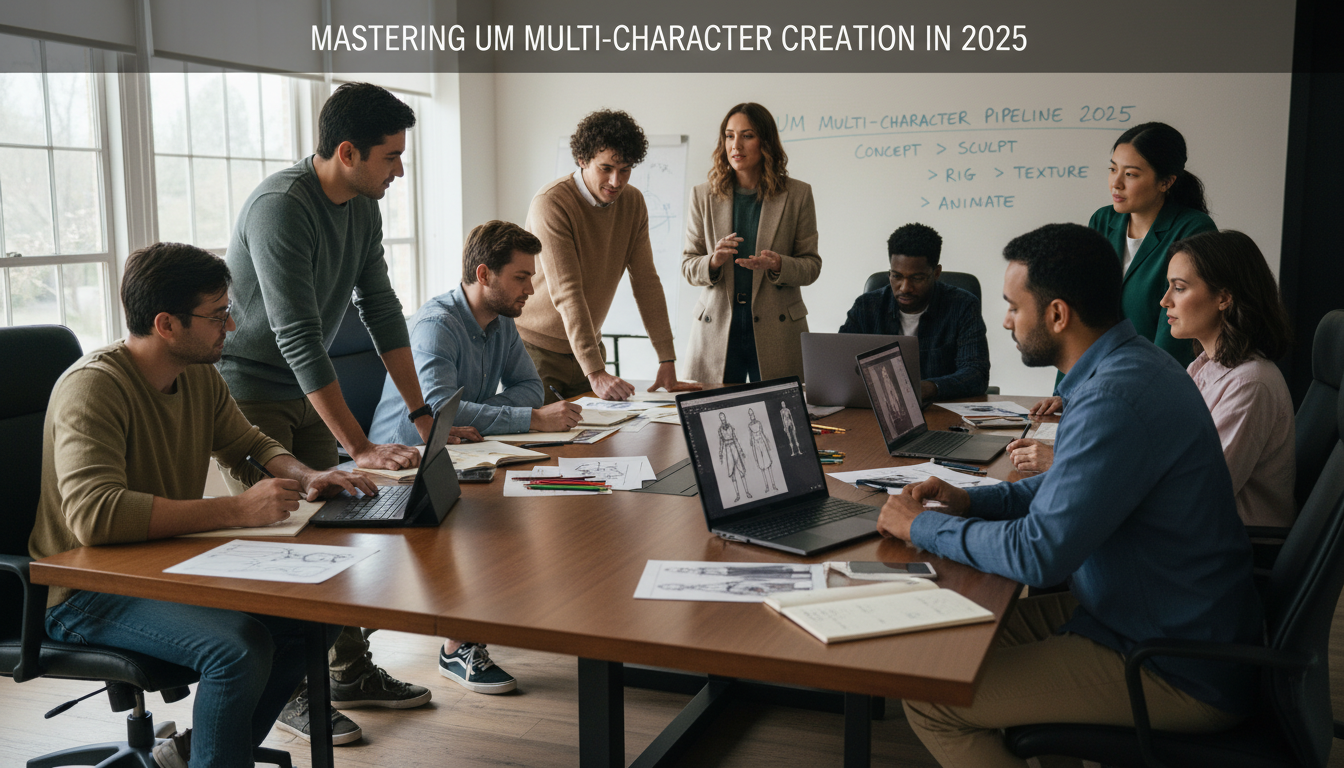
Configuring Immersion via Dynamic Spawn and Visuals
The core of a successful deployment lies in the granular configuration of the user’s entry point. The Spawn System included in the UM suite is highly adaptable, offering administrators the choice between custom menus, default framework behaviors, or a persistent “last location” logic. This flexibility is crucial when designing a cohesive narrative flow. For instance, creating a seamless transition from the selection screen to the game world requires precise coordination of camera angles and animation techniques. When a player selects a slot, the system can trigger specific scenarios—courtesy of rpemotes or dpemotes—breathing life into the avatar before the user even takes control.
Furthermore, the visual fidelity of the selection screen is enhanced through a dedicated Photo Mode. This feature allows users to apply filters and adjust camera settings, turning a standard login process into a creative showcase. It parallels workflows found in professional creative workflow environments, where lighting and composition are paramount. To better understand the potential of these visual tools, one might look at how AI assists in generating assets, similar to how one might explore OpenAI and Cohere AI developments for dynamic content generation. The goal is to make the static act of character selection feel like a distinct, interactive scene.
Mastering the User Interface and Slot Management
A clean interface is the hallmark of a professional setup. The UM system employs intelligent UI logic where buttons react to the user’s context; for example, the “Create New Character” option vanishes when slots are full, preventing user frustration. This level of polish suggests a move towards more intelligent digital sculpting of the user experience, where every element serves a distinct purpose. Slots Management is automated, assigning new characters to available spaces without manual intervention, which streamlines the database interactions significantly.
Beyond mere functionality, the atmosphere of the selection screen sets the tone for the entire session. Administrators can leverage Time and Weather Customization to sync the lobby with the live server environment or curate a specific mood—perhaps a rainy noir setting for a crime server or a bright, sunny aesthetic for a lifestyle community. Integrating these elements requires a solid grasp of configuration files, much like the structural precision needed when applying mini blocks building tips to architectural projects. Every variable in the config file acts as a building block for the final experience.
Advanced Customization and Community Recognition
For those looking to deepen the integration, the system supports dynamic Effects. Each time a character is cycled, specific or random screen effects can be triggered, adding a layer of polish that mimics high-budget studio titles. This attention to detail is what differentiates a standard server from a premium destination. Additionally, the inclusion of a Store button directly in the interface creates a frictionless pathway for users to access premium services or support the server, vital for sustainability in 2026.
Recognizing the team behind the magic is also streamlined. The Credits feature allows for an elegant display of contributor names, fostering a sense of community ownership. When setting up these advanced features, referencing UM tutorials is essential to avoid common pitfalls in the initialization sequence. For those needing to document their setup process or create guides for their staff, using tools found via top writing AIs can expedite the creation of technical documentation.
Below is a breakdown of the key configuration modules available in the current version:
| Module Name 🛠️ | Functionality ⚙️ | Customization Potential 📈 |
|---|---|---|
| Spawn Selector | Determines entry coordinates and logic | High (Last location, Custom Menu, Default) |
| Photo Mode | Filters and camera adjustments for UI | Medium (Preset filters, Advanced menu) |
| Animation & Scenarios | Links avatars to emote commands | Very High (Integration with rpemotes/dpemotes) |
| Weather Sync | Controls atmospheric conditions in lobby | High (Server sync or curated preset) |
Seamless Integration with Creative Workflows
The transition to a Vite-powered interface means that developers can utilize modern 3D modeling concepts and web technologies simultaneously. The disconnect between “game code” and “web code” is vanishing. Mastering this involves more than just editing Lua; it involves understanding the asset pipeline. Whether you are dealing with character rigging issues or simply adjusting the CSS for the loading screen, the workflow is increasingly unified.
To stay ahead, one must continuously update their knowledge base. Just as one might archive useful content by learning how to download YouTube videos for offline study, keeping a library of script updates and patch notes is vital. The UM Multi Character script is not a “set and forget” tool; it is a live component of your server’s identity. Even naming conventions for your code shells matter, a concept abstractly similar to choosing fascinating shell names to maintain organized and recognizable file structures.
![FiveM Multicharacter Script - Identity, Spawn Selector and Loading Screen [ESX/QB/QBOX]](https://chat-gpt-5.ai/core/cache/flying-press/6ad83b72642b03c847dcca1c241b8132.jpg)
Essential Steps for Deployment
When preparing to launch this system, following a strict protocol ensures stability. The integration of character creation modules must be tested against edge cases, such as rapid slot switching or database latency.
- Verify Framework Version: Ensure your ESX, QBCore, or QBox core is updated to support the latest UI callbacks. 📦
- Asset Optimization: Check that your logo.png in the web build folder is compressed to reduce load times for first-time users. 🖼️
- Dependency Check: Confirm that resources like
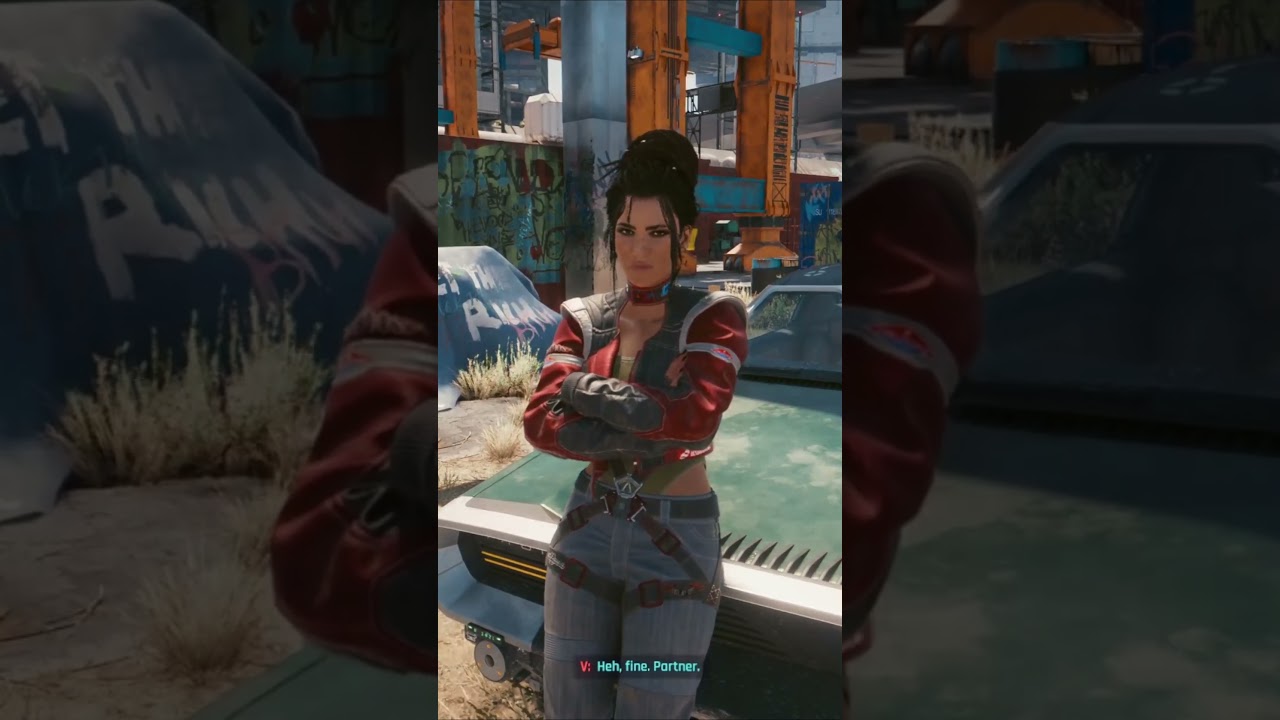
esx_multicharacterare disabled to prevent conflicts. 🛑 - Animation Configuration: Map out your desired animations in the config to match the personality of the slot (e.g., crossing arms vs. waving). 🎭
- Permission Setup: Configure the Credits and Store links to point to valid URLs to avoid dead clicks. 🔗
By adhering to these standards, you transform a simple login script into a comprehensive multi-character setup that rivals professional game studios. If you are struggling with the creative aspect of the text descriptions within the UI, referring to book mockup prompts can surprisingly inspire clean, editorial-style layout ideas.
Is the UM Multi Character system compatible with legacy ESX versions?
While the system is designed for modern frameworks like QBox and the latest QBCore/ESX versions, it can often be adapted for legacy ESX 1.1 with specific modifications to the bridge files, though upgrading your core is recommended for performance.
Can I use custom ped models with the animation system?
Yes, as long as the ped models share the standard rigorous skeletons used by GTA V, the animation techniques integrated via rpemotes or dpemotes will function correctly during character selection.
How does the Photo Mode affect server performance?
Photo Mode operates entirely on the client-side (frontend), utilizing local graphical processing. Therefore, it has negligible impact on server-side performance or network latency.
What happens if a player has more characters than the visible slots?
The interface is designed with a scroll or pagination feature depending on the specific CSS configuration, ensuring access to all database entries, though standard configuration typically limits creation to the visual maximum set in the config.lua.
Do I need to know Vue3 to edit the design?
For basic configuration like colors and logos, simple CSS edits or config changes suffice. However, to structurally change the layout or add complex new modules, a working knowledge of Vue3 and Vite is beneficial.

Max doesn’t just talk AI—he builds with it every day. His writing is calm, structured, and deeply strategic, focusing on how LLMs like GPT-5 are transforming product workflows, decision-making, and the future of work.

No responses yet