
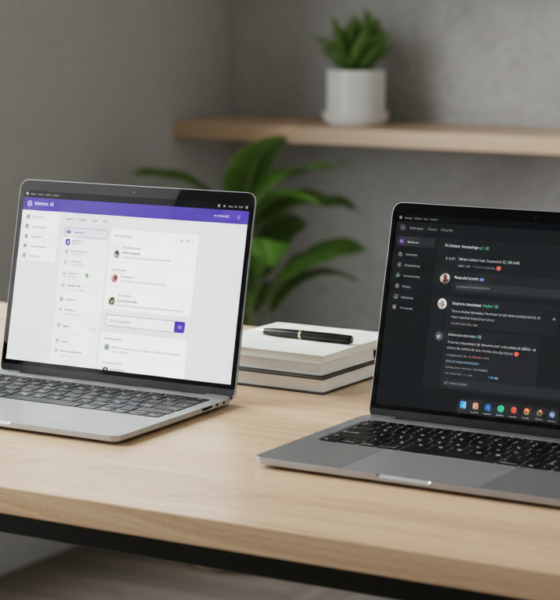
Ai models
Notion AI vs. ChatGPT: A 2025 Feature Showdown to Supercharge Your Productivity
The digital landscape of 2025 has become crowded with intelligent assistants, each promising to revolutionize how work gets done. While virtually everyone is familiar with the conversational prowess of OpenAI’s flagship model, a specialized contender has emerged within the productivity sector: Notion AI. For professionals aiming to streamline workflow optimization, the choice between a generalist chatbot and an integrated workspace assistant is no longer straightforward. Transformik AI curates these cutting-edge solutions to help users navigate this complex ecosystem, moving beyond simple text generation to true operational efficiency.
Understanding the distinct capabilities of these tools is crucial for anyone looking to structure their daily professional lives effectively. Whether the goal is advanced task management or creative brainstorming, selecting the right AI partner depends heavily on where and how the work takes place.

The Battle for Workspace Supremacy: Integrated vs. Standalone AI
At their core, these two powerhouses serve different primary functions. Notion AI operates as a deeply embedded assistant within the Notion platform, designed to enhance documents, summarize databases, and facilitate automation without ever leaving the workspace. It leverages the context of existing notes and projects to provide highly relevant suggestions. Conversely, ChatGPT functions as a versatile, standalone conversationalist.
The standalone nature of OpenAI’s tool allows for a broader range of general knowledge application, code generation, and creative problem-solving across the wider web. While Notion AI focuses on internal consistency and data manipulation, ChatGPT excels in external information synthesis and reasoning.
Comparing the Titans of Text and Data
To truly understand which tool aligns with specific professional needs in 2025, a direct comparison of their technical specifications and user experience is necessary. The following breakdown highlights the structural differences between these artificial intelligence solutions.
| Feature 🛠️ | Notion AI N | ChatGPT 🤖 |
|---|---|---|
| Primary Function | Integrated workspace assistant tailored for document and database management. | General-purpose conversational AI for broad queries and creation. |
| Data Access | Context-aware; reads your specific Notion pages and databases. | Trained on massive internet datasets; reads uploaded files and web browsing. |
| Best For | Summarizing meeting notes, refining drafts, and task management. | Complex reasoning, coding, creative writing, and general research. |
| Pricing Model | Add-on to Notion plans ($10/month). | Freemium model; Plus ($20/month) and Enterprise tiers available. |
| Privacy Focus | Data stays within the workspace; not used for model training. | Options to opt-out of training; strict enterprise data controls. |
This distinction is vital for workflow optimization. Users heavily invested in the Notion ecosystem will find the integrated AI irreplaceable for maintaining narrative flow and organizing data points. However, those requiring a digital polymath for diverse topics might find the specialized nature of Notion AI limiting compared to the breadth of the landscape of OpenAI and Cohere models available today.
Maximizing Output with Context-Aware Assistance
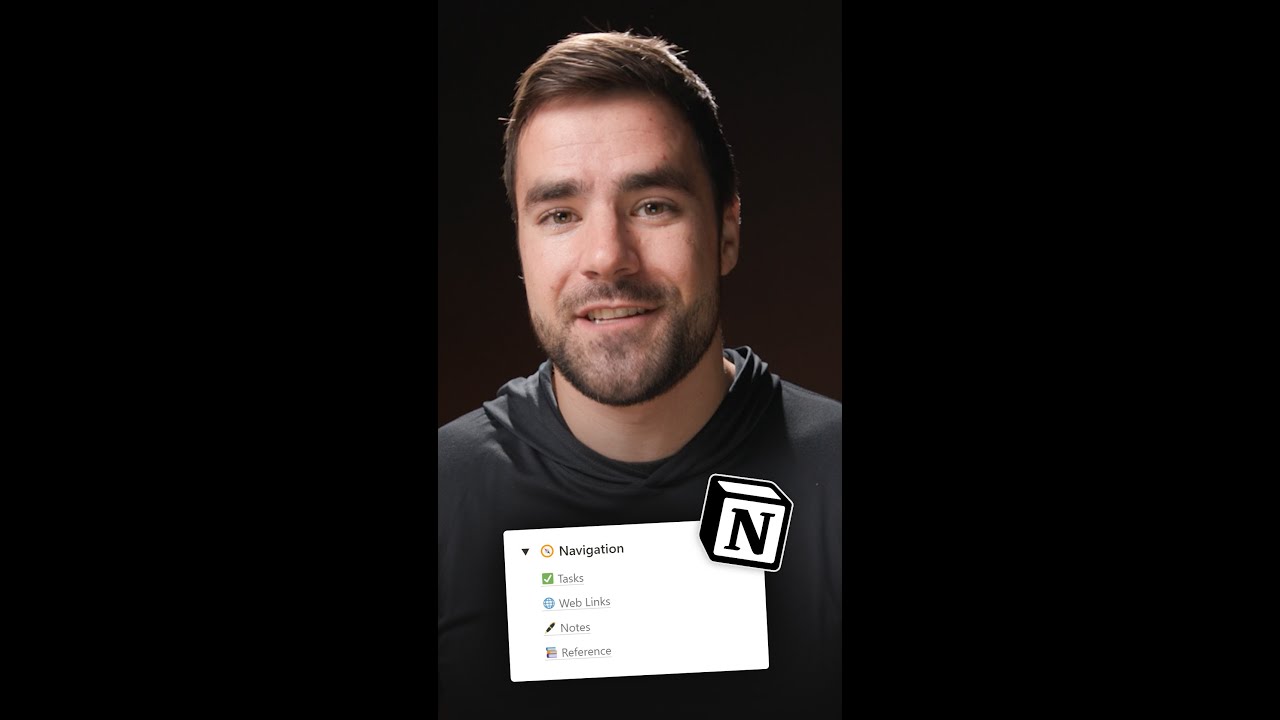
The defining strength of Notion AI lies in its “contextual awareness.” Unlike a standard chatbot that starts with a blank slate, this tool understands the history of a project because it resides within the same digital walls. For instance, after a lengthy strategy meeting, a user can simply highlight the raw notes and command the AI to generate a polished executive summary or a list of actionable tasks.
This capability transforms collaboration dynamics. Teams can automate the extraction of action items from messy brainstorming pages, ensuring that no deliverable falls through the cracks. It acts less like a search engine and more like a dedicated editor and project manager rolled into one.
The Versatility of Conversational Intelligence
On the other side of the ring, ChatGPT remains the king of versatility. Its ability to engage in Socratic dialogue makes it an exceptional tool for refining ideas through conversation. The introduction of features like the “Canvas” interface allows for side-by-side coding and writing collaboration, bridging the gap between chat and document creation.
For users needing to draft emails, solve complex coding errors, or plan a travel itinerary, the standalone model offers superior flexibility. It can browse the live web to fetch real-time data, a critical feature for researching current market trends or competitor analysis. Those looking to implement strategies to boost productivity often turn to ChatGPT for its sheer speed in generating first drafts and structural outlines.
Real-World Application: Who Wins Where?
Choosing the right tool often comes down to the specific use case. In 2025, smart professionals are not choosing one over the other but are instead deploying them strategically. Here is how different user profiles leverage these tools for maximum impact:
- The Organized Student 🎓: Uses ChatGPT to explain complex concepts like quantum mechanics in simple terms. Then, they switch to Notion AI to organize those explanations into study guides and summarize lecture notes stored in their class database.
- The Product Manager 📊: Relies on Notion AI to turn rough meeting logs into clear, assigned tasks within the team’s shared workspace. This seamless automation eliminates the manual drudgery of data entry.
- The Creative Writer ✍️: Engages ChatGPT as a brainstorming partner to overcome writer’s block, generating twenty plot twists in seconds. Later, they use Notion AI to refine the tone and grammar of the drafted chapters directly in their manuscript file.
- The Developer 💻: Utilizes ChatGPT to debug code snippets and understand new libraries. They might also compare its output against competitors like Google Bard or other coding assistants to ensure accuracy before documenting the final code structure in Notion.
- The Solopreneur 🚀: Uses ChatGPT to plan a marketing calendar and generate social media captions. They then migrate this content to Notion, where the AI helps format the calendar and track publication status.
By understanding these distinctions, users can avoid the frustration of trying to force a tool to perform tasks it wasn’t designed for. Effectively combining productivity with ChatGPT for creation and Notion AI for organization creates a powerful feedback loop.
Privacy, Pricing, and the Verdict for 2025
When integrating artificial intelligence into a workflow, data privacy remains a paramount concern. Notion takes a strong stance by ensuring that customer data within the workspace is not used to train its models, providing peace of mind for enterprises handling sensitive proprietary information. Similarly, OpenAI offers enterprise controls and opt-out features, though its public-facing free tier feeds into model improvement by default.
Regarding cost, Notion AI is an accessible add-on at $10 per month, offering high value for heavy Notion users. ChatGPT offers a robust free tier, but power users needing the latest models and faster response times will gravitate toward the Plus subscription at $20/month. Understanding the company insights regarding OpenAI and Notion helps users predict how these pricing models might evolve.
Ultimately, if the goal is to enhance documents and manage data where it lives, Notion AI is the superior choice for features related to organization. For broader creative tasks, research, and external automation, ChatGPT remains the heavy hitter. For many, the ultimate productivity hack in 2025 is simply using both.
Additionally, tools like 2sync can bridge the gap, connecting Notion to external calendars and task managers, further solidifying the workspace as a central hub of activity.
Can I use Notion AI without a paid Notion subscription?
Yes, you can add Notion AI to a free Notion plan. However, Notion AI itself is a paid add-on that costs $10 per month per member, regardless of whether you are on a free or paid workspace plan.
Does ChatGPT have access to my private Notion pages?
No, ChatGPT cannot access your private Notion pages directly. It is a standalone tool. To have ChatGPT interact with your data, you would need to manually copy and paste the text into the chat or export your data, whereas Notion AI has native access to your workspace content.
Which AI tool is better for coding and programming tasks?
ChatGPT is generally considered better for coding tasks. It acts as a versatile coding companion that can write, debug, and explain code across multiple languages. Notion AI is helpful for formatting code blocks within documentation but lacks the deep reasoning and conversational debugging capabilities of ChatGPT.
Is my data safe when using these AI tools?
Both companies have implemented privacy measures. Notion states that it does not use customer data to train its AI models. OpenAI allows users to opt-out of model training and offers enterprise-grade privacy for business accounts, ensuring that sensitive data remains confidential.

Aisha thrives on breaking down the black box of machine learning. Her articles are structured, educational journeys that turn technical nuances into understandable, applicable knowledge for developers and curious readers alike.



international entrepreneur rule update: what changes in 2025 mean for global startups
Navigating the 2025 International Entrepreneur Rule Update The landscape for global startups looking to breach the American market has shifted...

Shortcut to size pdf: how to access and use the guide for muscle growth
Decoding the Architecture of Muscle Growth In the world of physical optimization, efficiency is the primary metric. The concept of...


Unlocking the power of iconography pdfs: essential guide for 2025
Unlocking the Strategic Value of Visual Communication in 2025 In today’s statistical-first world, effective communication often happens in milliseconds. Users...


San Francisco Startups: Key Trends to Watch in 2025
AI-Native Momentum in San Francisco Startups: Foundation Models, Agents, and Safety Across San Francisco, the most visible shift in 2025...


how to apply a promo code on study.com: step-by-step guide for august 2025
Navigating Education Savings with Study.com in August 2025 As the academic landscape continues to evolve, finding cost-effective solutions for online...


The best bond movies ranked: a definitive guide for 2025
The Future of Espionage and the Legacy of 007 in 2025 As we navigate through 2025, the cinematic landscape is...


Best male hairstyles for round faces: top trendy looks for 2025
Optimizing Facial Symmetry: The Logic Behind Haircuts for Round Faces Finding the optimal aesthetic for a round face shape is...


Explore the Top 5 Free NSFW AI Chatbots to Try in 2025
The Rise of Unfiltered Digital Companions in the 2025 Landscape The digital horizon has expanded significantly, and the way humans...


OpenAI vs Quora: Choosing Between ChatGPT and Poe for AI Tools in 2025
Navigating the AI Ecosystem: The 2025 Showdown In the rapidly evolving landscape of Artificial Intelligence, the year 2025 has brought...


Mini blocks: creative building ideas and tips for beginners in 2025
Mastering Mini Blocks: A Tactile Renaissance in 2025 In an era dominated by augmented reality and digital interfaces, the tactile...


Super claude code: how to maximize your coding efficiency in 2025
It’s no longer about simply having access to the most powerful AI; it’s about how you wield it. As we...


Essential ap world term flashcards pdf for effective 2025 exam prep
Streamlining Your 2025 AP World History Strategy with Digital Tools Success in the AP World History exam isn’t just about...


Tp test paper explained: key points, uses, and expert tips in 2025
Navigating the Teleperformance Assessment Ecosystem in 2025 The recruitment landscape has evolved significantly, with data-driven evaluations becoming the standard for...


Must-Watch AI Movies to Look Forward to in 2025
The Evolution of Cinema: Why AI Films Are Dominating 2025 The landscape of visual storytelling has shifted dramatically over the...


Notion AI vs. ChatGPT: A 2025 Feature Showdown to Supercharge Your Productivity
The digital landscape of 2025 has become crowded with intelligent assistants, each promising to revolutionize how work gets done. While...


Ftfy meaning explained: what does ftfy stand for in 2025 internet slang?
Decoding the FTFY meaning in modern digital language Navigating the complex landscape of internet slang requires more than just a...


Top words that start with tu: expand your English vocabulary
Unlocking the Potential of “TU” Vocabulary in Professional Communication Mastering a precise vocabulary is akin to optimizing code; the right...


How to use an ap spanish score calculator for accurate results in 2025
Optimizing Your Strategy with an AP Spanish Score Calculator Achieving a top tier result on the AP Spanish Language and...


A look at interesting things that start with ai
Unveiling the Hidden Layers of Modern Intelligence The landscape of technology has shifted dramatically by 2025. Artificial Intelligence is no...


sim failure explained: common causes and quick fixes in 2025
Your iPhone is your lifeline to the digital world, handling everything from urgent emails to streaming the latest podcast. So,...
-

 Open Ai2 months ago
How to Effortlessly Access Your Archived Conversations on ChatGPT in 2025
-

 Open Ai2 months ago
A Comprehensive Guide to Sharing Your ChatGPT Conversations: 2025 Edition
-

 Tools1 month ago
How to download and use open subtitles for movies and TV in 2025
-

 Actualités1 month ago
Ontario Man Claims ChatGPT Prompted Psychosis During ‘World-Saving’ Quest
-

 Actualités2 months ago
OpenAI Reports That Hundreds of Thousands of ChatGPT Users May Experience Symptoms of Manic or Psychotic Episodes Weekly
-
 Ai models2 months ago
MIT Researchers Introduce ‘SEAL’: A Game-Changer in the Evolution of Self-Enhancing AI

