Tools
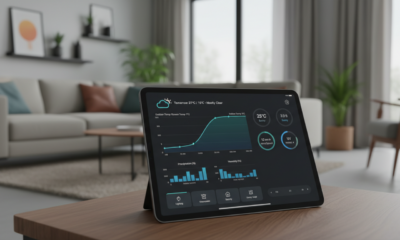
How to integrate pirate weather with home assistant: a complete step-by-step guide
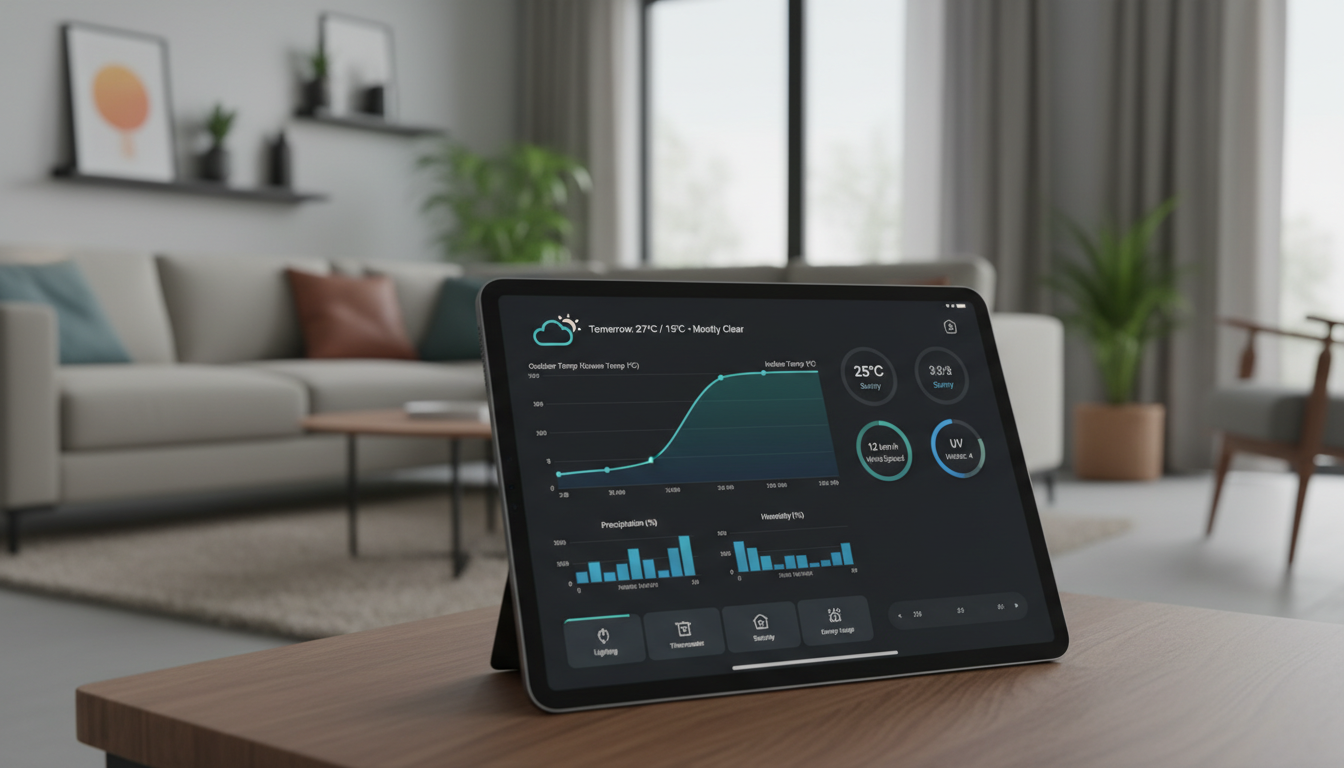
The Evolution of Hyper-Local Weather Data in Smart Home Ecosystems
Reliability is the cornerstone of any effective Smart Home setup. In the landscape of 2026, where reliance on cloud services is scrutinized for latency and cost, maintaining precise environmental data is non-negotiable for enterprise-grade home automation. Following the deprecation of the Dark Sky API years ago, the community needed a robust successor that adhered to the “show me the numbers” philosophy. This is where Pirate Weather established itself as the premier solution, offering a drop-in replacement that preserves the syntax and utility of legacy systems while leveraging modern infrastructure.
The architecture behind this service is built on a series of AWS Lambda functions that ingest, process, and serve NOAA weather forecasts. Unlike opaque proprietary models, this transparent approach ensures that the data returned is directly traceable to government sources. For users who demand granularity—knowing exactly why the irrigation system triggered despite a cloudy forecast—this integration provides the raw data necessary for deep analysis. It effectively bridges the gap left by Dark Sky, utilizing Weather Data structures that allow existing dashboards to function without extensive code rewriting.
Prerequisites and Technical Requirements for Home Assistant
Before initiating the Integration, ensuring the host environment is prepared is critical. The underlying code of this integration has evolved significantly from its predecessors. It now relies on asyncio and unified data update coordinators, designed explicitly for modern versions of Home Assistant. While the system is backward compatible to a degree, running a core version later than 2022.10 is mandatory to avoid specific errors such as `AttributeError: PRECIPITATION`. The setup process has moved away from YAML editing for initial configuration, favoring a streamlined UI workflow that reduces friction during deployment.

Step-by-Step Guide to API Configuration and Installation
The installation process utilizes the Home Assistant Community Store (HACS), which remains the standard for managing custom integrations. Once the repository is added to HACS, the integration can be pulled directly into the local environment. The pivotal component of this setup is the API Key. Users must generate this key via the service’s portal, which acts as the handshake authenticator between the local instance and the AWS backend. Although a free tier exists, the sustainability of the project relies on the community supporting the infrastructure costs associated with cloud computing.
During the configuration via the user interface, specific parameters allow for fine-tuning. A notable feature added recently is the optional field to exclude specific weather models from the forecast. This level of customization ensures that the IoT devices receiving this data are not bogged down by unnecessary metrics, keeping the database optimized. Once the key is validated, the system begins polling data immediately, populating sensors that mirror the legacy Dark Sky nomenclature for seamless transition.
Data Granularity and Sensor Capabilities
The true value of this integration lies in the density of the information provided. It preserves unique aspects of high-frequency forecasting, such as minute-by-minute precipitation predictions. However, users should be aware of current limitations regarding localization. As the system generates text summaries based on icon states, the output is currently restricted to English. Below is a breakdown of how the data is structured and its operational status.
| Feature Category | Data Point 📊 | Operational Status 🟢 | Integration Usage |
|---|---|---|---|
| Precipitation | Minute-by-minute forecast | Fully Active | Retractable Awnings |
| Temperature | High/Low & Apparent Temp | Fully Active | HVAC Automation |
| Linguistics | Text Summaries | Partial (English Only) | Dashboard Display |
| Source Data | NOAA Processing | Transparent | Historical Analytics |
Leveraging Weather Metrics for Advanced Automation
Once the Configuration is complete and sensors are reporting, the focus shifts to actionable logic. Mere observation is insufficient for a truly autonomous home; the data must drive decisions. The Pirate Weather integration excels here because it exposes individual weather variables as entities. This allows the logic engine to bypass generic “cloudy” or “rainy” states and react to specific thresholds, such as wind speed or UV index. For instance, creating a template sensor allows for complex calculations that can preemptively adjust environmental controls before a storm hits.
Integrating this level of detail requires a strategic approach to Step-by-step Guide implementation in automation scripts. Rather than relying on a single trigger, robust automations often correlate multiple data points. A high wind forecast combined with a precipitation probability of over 80% might trigger a different security protocol than wind alone. This depth of logic is what separates basic smart devices from a cohesive, intelligent ecosystem.
Strategic Use Cases for Weather Data
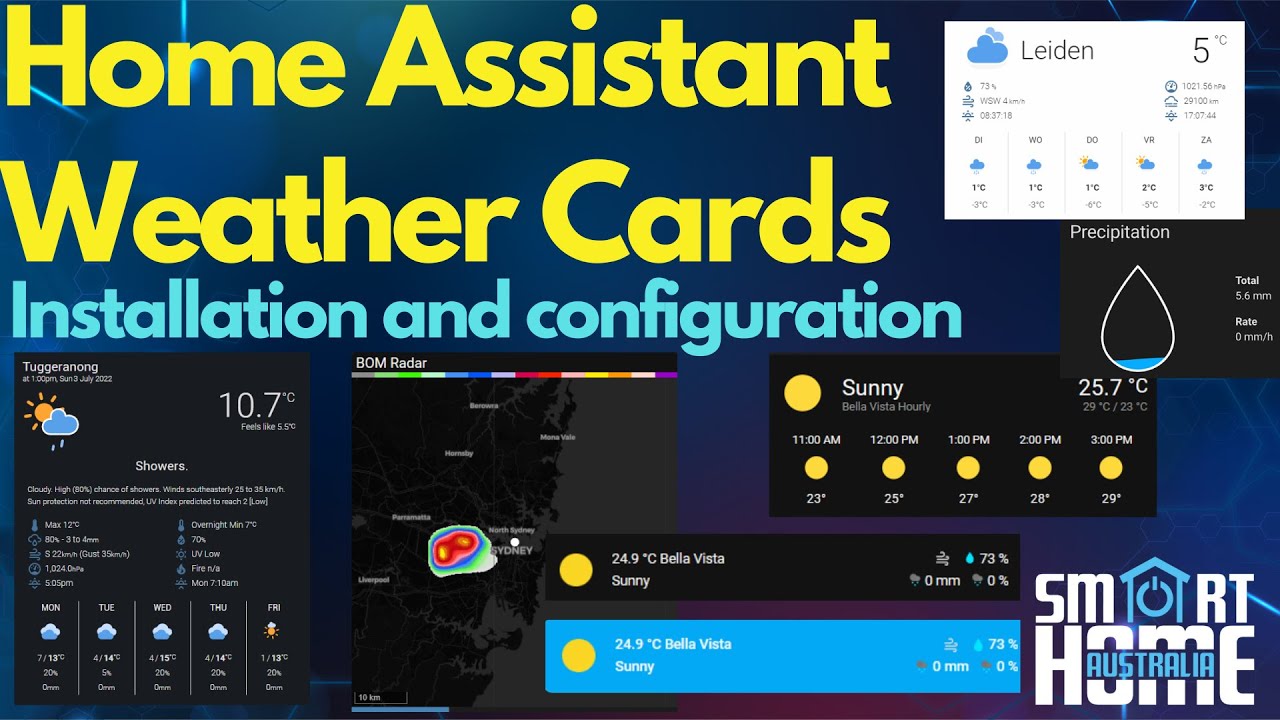
Implementing these data points into daily operations enhances both energy efficiency and comfort. By utilizing the specific sensors provided by the API, users can construct logic flows that anticipate rather than react. ⚡
- Irrigation Control: 💧 Halt sprinkler systems if the probability of precipitation exceeds 60% in the next 4 hours, saving water and preventing over-saturation.
- Climate Pre-conditioning: 🌡️ Adjust thermostat set points based on “apparent temperature” rather than absolute temperature to account for humidity and wind chill.
- Asset Protection: 🌬️ Automatically retract motorized awnings or close blinds when wind gusts are forecasted to exceed safe operating limits.
- Lighting Logic: 💡 Modulate indoor lighting temperature based on cloud cover percentage to maintain consistent ambient lux levels.
- Solar Optimization: ☀️ Schedule high-load appliances (like washing machines) during predicted clear sky windows to maximize photovoltaic array efficiency.
What happens if I encounter an AttributeError: PRECIPITATION during setup?
This error typically indicates an outdated core version. Ensure your system is running Home Assistant 2022.10 or later. If updating is not possible, a legacy branch of the integration is available, though using the modern version is strongly recommended for stability.
Why are the text summaries only available in English?
Currently, the integration generates text based on icon states. While the architecture supports multi-language capabilities, the code to generate and translate these summaries dynamically is still in development. The system currently defaults to English for all text outputs.
Is the Pirate Weather API free to use?
There is a free tier available for developers and home users. However, running the AWS backend incurs costs. The project relies on community sponsorships to maintain free access. If you find the service valuable for your smart home, consider supporting the project via the sponsorship link on the developer’s profile.
Can I exclude specific data to save bandwidth?
Yes, the modern UI configuration includes an optional field that allows users to exclude specific weather models or data sets from the forecast. This helps in optimizing the database size and reducing unnecessary API calls if certain metrics are not required for your automations.

Max doesn’t just talk AI—he builds with it every day. His writing is calm, structured, and deeply strategic, focusing on how LLMs like GPT-5 are transforming product workflows, decision-making, and the future of work.



discover the most fascinating shell names and their meanings
Decoding the Hidden Data of Marine Architectures The ocean functions as a vast, decentralized archive of biological history. Within this...


Funko pop news: latest releases and exclusive drops in 2025
Major 2025 Funko Pop News and the Continuing Impact in 2026 The landscape of collecting changed drastically over the last...


who is hans walters? uncovering the story behind the name in 2025
The Enigma of Hans Walters: Analyzing the Digital Footprint in 2026 In the vast expanse of information available today, few...


Exploring microsoft building 30: a hub of innovation and technology in 2025
Redefining the Workspace: Inside the Heart of Redmond’s Tech Evolution Nestled within the greenery of the expansive Redmond campus, Microsoft...


Top AI Tools for Homework Assistance in 2025
The Evolution of Student Support AI in the Modern Classroom The panic of a Sunday night deadline is slowly becoming...


OpenAI vs Mistral: Which AI Model Will Best Suit Your Natural Language Processing Needs in 2025?
The landscape of Artificial Intelligence has shifted dramatically as we navigate through 2026. The rivalry that defined the previous year—specifically...


how to say goodbye: gentle ways to handle farewells and endings
Navigating the Art of a Gentle Farewell in 2026 Saying goodbye is rarely a simple task. Whether you are pivoting...


pirate ship name generator: create your legendary vessel’s name today
Designing the Perfect Identity for Your Maritime Adventure Naming a vessel is far more than a simple labeling exercise; it...


Unlocking creativity with diamond body AI prompts in 2025
Mastering the Diamond Body Framework for AI Precision In the rapidly evolving landscape of 2025, the difference between a generic...


What is canvas? Everything you need to know in 2025
Defining Canvas in the Modern Digital Enterprise In the landscape of 2026, the term “Canvas” has evolved beyond a singular...


how to turn on your laptop keyboard light: a step-by-step guide
Mastering Keyboard Illumination: The Essential Step-by-Step Guide Typing in a dimly lit room, on a night flight, or during a...


best book mockup prompts for midjourney in 2025
Optimizing Digital Book Visualization with Midjourney in the Post-2025 Era The landscape of digital book visualization shifted dramatically following the...


AI-Driven Adult Video Generators: The Top Innovations to Watch for in 2025
The Dawn of Synthetic Intimacy: Redefining Adult Content in 2026 The landscape of digital expression has undergone a seismic shift,...


ChatGPT vs LLaMA: Which Language Model Will Dominate in 2025?
The Colossal Battle for AI Supremacy: Open Ecosystems vs. Walled Gardens In the rapidly evolving landscape of artificial intelligence, the...


Mastering initial ch words: tips and activities for early readers
Decoding the Mechanism of Initial CH Words in Early Literacy Language acquisition in early readers functions remarkably like a complex...


Howmanyofme review: discover how unique your name really is
Unlocking the secrets of your name identity with data Your name is more than just a label on a driver’s...


Understanding gpt-2 output detector: how it works and why it matters in 2025
The Mechanics Behind GPT-2 Output Detector in the Age of Generative AI In the rapidly evolving landscape of 2026, the...

How to integrate pirate weather with home assistant: a complete step-by-step guide
The Evolution of Hyper-Local Weather Data in Smart Home Ecosystems Reliability is the cornerstone of any effective Smart Home setup....


2025’s Comprehensive Guide to Top NSFW AI Art Creators: Trends and Essential Tools
The Evolution of Digital Erotica and 2025’s Technological Shift The landscape of Digital Art has undergone a seismic shift, moving...


OpenAI vs Meta: Exploring the Key Differences Between ChatGPT and Llama 3 in 2025
The AI Landscape in Late 2025: A Clash of Titans The artificial intelligence sector has witnessed a seismic shift since...
-

 Open Ai2 months ago
Mastering Your ChatGPT API Key: A Comprehensive Guide for 2025
-

 Tech1 month ago
Your card doesn’t support this type of purchase: what it means and how to solve it
-

 Tools2 months ago
How to download and use open subtitles for movies and TV in 2025
-

 Actualités2 months ago
Ontario Man Claims ChatGPT Prompted Psychosis During ‘World-Saving’ Quest
-

 Ai models2 months ago
vietnamese models in 2025: new faces and rising stars to watch
-

 Actualités2 months ago
Unlock the Power of ChatGPT Group Chat for Free: A Step-by-Step Guide to Getting Started