
Tools
how to turn on your laptop keyboard light: a step-by-step guide
Mastering Keyboard Illumination: The Essential Step-by-Step Guide
Typing in a dimly lit room, on a night flight, or during a late-night gaming session requires more than just touch-typing skills; it requires visibility. Laptop keyboard light features have evolved from a luxury to a standard necessity in modern computing. Whether you are rocking a sleek ultrabook or a heavy-duty workstation in 2026, the ability to turn on keyboard backlight ensures accuracy and reduces eye strain. However, the method to activate this feature isn’t universal. Manufacturers often hide these toggles behind specific key combinations or software menus, leaving users fumbling in the dark.
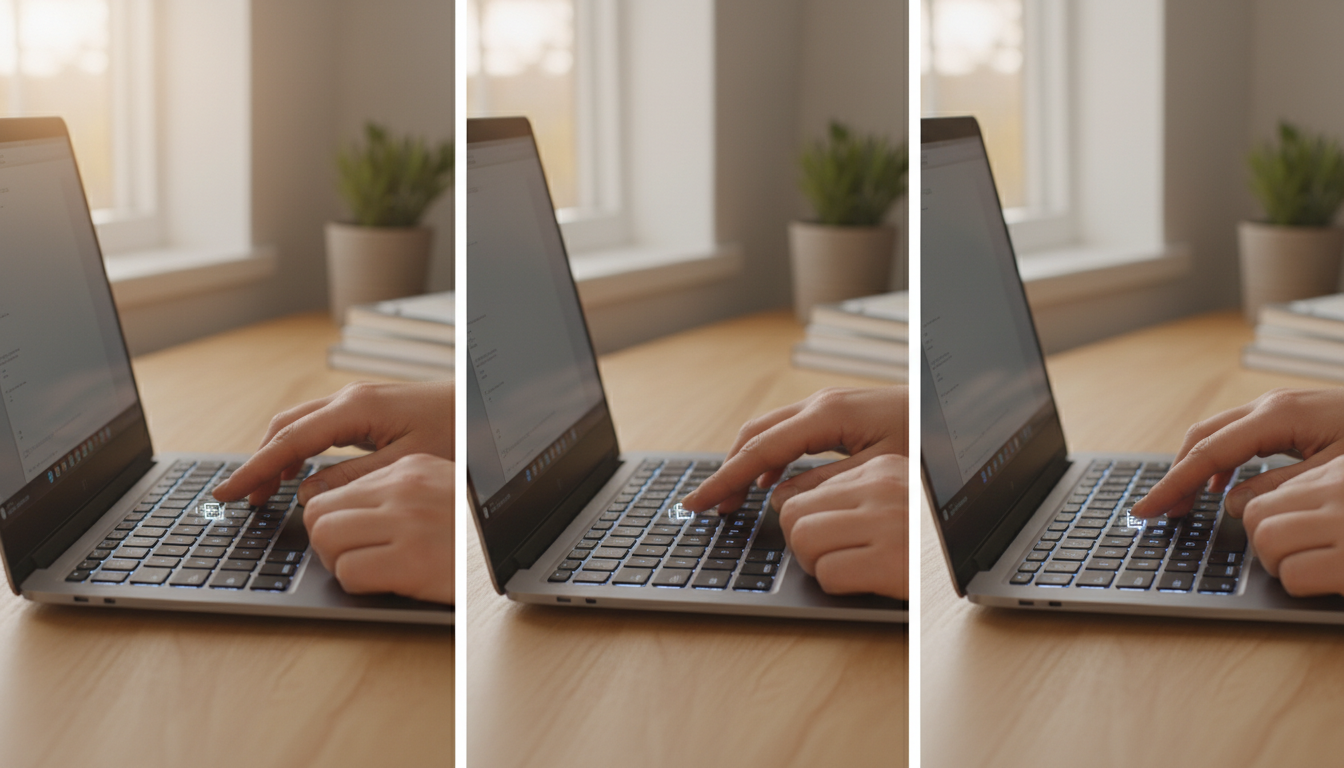
Before diving into complex settings, inspect your function keys (the top row labeled F1 to F12). Manufacturers typically print a specific icon representing a keyboard illumination on the designated key. This icon often resembles a small keyboard with rays of light extending from it or a glowing square. Identifying this symbol is the first step to enable keyboard lighting instantly.

Activate Laptop Backlight Control via Hardware Shortcuts
The fastest way to get your keys glowing is through hardware toggles. Most devices utilize a “Function” modifier key to trigger secondary commands. To turn on your laptop keyboard light, you typically need to hold down the Fn key usually found near the bottom left of your deck, while simultaneously pressing the corresponding backlight function key.
Here is a breakdown of common combinations for major brands, though models can vary:
- Dell Laptops: Often utilize Fn + F10 or F6. If nothing happens, check the right arrow key. 💻
- HP Devices: Look for the icon on Fn + F5 or F11. Some models use a dedicated key near the spacebar.
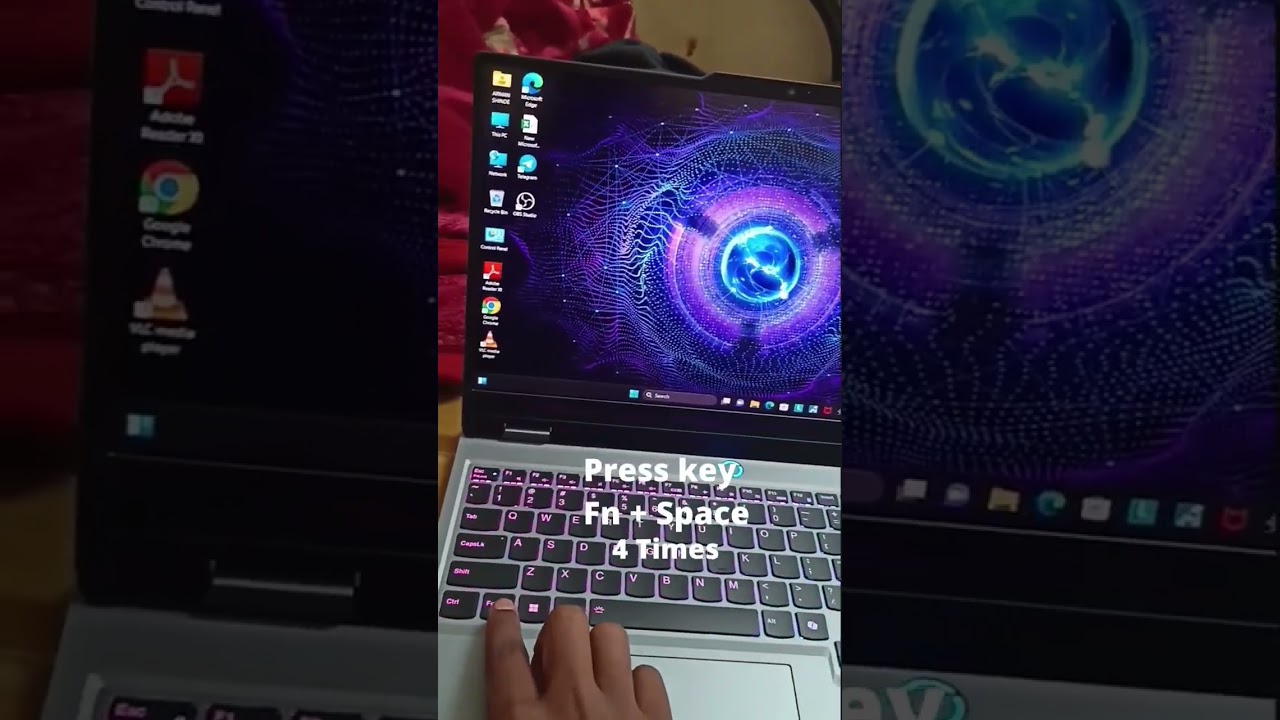
- Lenovo ThinkPad/Yoga: The combination Fn + Spacebar is the standard for this brand.
- Asus & Acer: Frequently map this function to Fn + F7 or F4 depending on the generation.
- MacBook: Use the Control Center in the menu bar or the dedicated F-keys if available on your model.
It is important to note that many of these keys act as a toggle or a cycle. Pressing the combination once might turn the light on at low intensity. Pressing it again might adjust keyboard brightness to high, and a third press might turn it off completely. If the keys do not respond, your “Function Lock” (FnLk) might be active, reversing the behavior of the top row keys.
Managing Keyboard Light Settings in Windows and macOS
If the physical keys are unresponsive, the issue might lie within the software configuration. Operating systems provide centralized hubs to control hardware peripherals. For Windows users, the Windows Mobility Center is a classic yet powerful tool that often overrides physical buttons. By searching for “Mobility Center” in the start menu, you can often find a dedicated slider for laptop backlight control under the “Customization” or “Keyboard” tile.
For more granular control, especially with RGB keyboards found in gaming rigs, you must access the manufacturer’s proprietary software. In 2026, these command centers are more integrated than ever. Applications like Razer Synapse, Alienware Command Center, or Lenovo Vantage allow users to not only turn on keyboard backlight but also synchronize it with music, game events, or screen colors. Missing these drivers often results in the lighting feature being disabled by default to save power.
Below is a quick reference guide to finding the right software for your keyboard light settings:
| Laptop Brand | Primary Software Suite 🛠️ | Standard Key Icon | Advanced Features |
|---|---|---|---|
| Dell / Alienware | Alienware Command Center | Glowing Rectangle | Zone lighting, Game sync |
| HP / Omen | OMEN Gaming Hub | Three dots / Rays | Animated effects, Macros |
| Lenovo | Lenovo Vantage | Light rising from line | Auto-dim, Battery saver |
| ASUS / ROG | Armoury Crate | Keyboard w/ Aura | Aura Sync, Music mode |
Troubleshooting: When the Lights Stay Dark
Sometimes, despite pressing the right buttons and checking the software, the keys remain unlit. This scenario requires a structured approach to keyboard light troubleshooting. The most common culprit is a power-saving setting. Many laptops automatically disable the backlight when the battery drops below 20% or when the device is in “Eco Mode.” Plug in your charger to see if the feature reactivates automatically.
Another frequent issue involves outdated drivers. If you recently updated your operating system, the specific driver handling the keyboard illumination might be incompatible. Navigate to your Device Manager, locate the keyboard section, and check for updates. Alternatively, visiting the support page of your laptop manufacturer to download the latest “Hotkey Support” or “System Interface” driver can resolve communication breaks between the hardware and the OS. 🔧
Finally, check the BIOS or UEFI settings. During the boot-up process (pressing F2 or Del), you can access the system’s core configuration. Look for “System Configuration” or “Onboard Device Configuration.” Ensure that the keyboard light settings are set to “Enabled.” If they are disabled at the BIOS level, no amount of Windows toggling or shortcut pressing will make them work. This is often the root cause for refurbished or corporate-issued laptops.
Does using the keyboard light drain my laptop battery?
Yes, keeping the backlight on will consume battery power, though modern LEDs are efficient. To maximize battery life, use the lowest brightness setting or set the light to turn off automatically after a few seconds of inactivity via your system settings.
My laptop does not have a light icon on the F-keys. Does it support backlighting?
If there is no icon on the keys and no option in the Mobility Center, your specific model likely does not have the hardware for a backlit keyboard. This is common in budget-tier laptops. You can verify this by checking the specifications on the manufacturer’s support page using your serial number.
Can I change the color of my keyboard light?
This depends entirely on the hardware. Standard business laptops usually only support white light. Gaming laptops often feature RGB lighting, allowing you to change colors via software like Aura Sync, Synapse, or OMEN Hub. Check your laptop’s manual to see if it supports ‘RGB’ or ‘Single Zone’ color changes.
Why does my keyboard light turn off automatically after a few seconds?
This is a timeout feature designed to save energy. You can usually adjust this duration in the BIOS/UEFI settings or within the manufacturer’s control app (e.g., Lenovo Vantage or Surface App) under ‘Backlight Timeout’ options.

Jordan has a knack for turning dense whitepapers into compelling stories. Whether he’s testing a new OpenAI release or interviewing industry insiders, his energy jumps off the page—and makes complex tech feel fresh and relevant.



discover the most fascinating shell names and their meanings
Decoding the Hidden Data of Marine Architectures The ocean functions as a vast, decentralized archive of biological history. Within this...


Funko pop news: latest releases and exclusive drops in 2025
Major 2025 Funko Pop News and the Continuing Impact in 2026 The landscape of collecting changed drastically over the last...


who is hans walters? uncovering the story behind the name in 2025
The Enigma of Hans Walters: Analyzing the Digital Footprint in 2026 In the vast expanse of information available today, few...


Exploring microsoft building 30: a hub of innovation and technology in 2025
Redefining the Workspace: Inside the Heart of Redmond’s Tech Evolution Nestled within the greenery of the expansive Redmond campus, Microsoft...


Top AI Tools for Homework Assistance in 2025
The Evolution of Student Support AI in the Modern Classroom The panic of a Sunday night deadline is slowly becoming...


OpenAI vs Mistral: Which AI Model Will Best Suit Your Natural Language Processing Needs in 2025?
The landscape of Artificial Intelligence has shifted dramatically as we navigate through 2026. The rivalry that defined the previous year—specifically...


how to say goodbye: gentle ways to handle farewells and endings
Navigating the Art of a Gentle Farewell in 2026 Saying goodbye is rarely a simple task. Whether you are pivoting...


pirate ship name generator: create your legendary vessel’s name today
Designing the Perfect Identity for Your Maritime Adventure Naming a vessel is far more than a simple labeling exercise; it...


Unlocking creativity with diamond body AI prompts in 2025
Mastering the Diamond Body Framework for AI Precision In the rapidly evolving landscape of 2025, the difference between a generic...


What is canvas? Everything you need to know in 2025
Defining Canvas in the Modern Digital Enterprise In the landscape of 2026, the term “Canvas” has evolved beyond a singular...

how to turn on your laptop keyboard light: a step-by-step guide
Mastering Keyboard Illumination: The Essential Step-by-Step Guide Typing in a dimly lit room, on a night flight, or during a...


best book mockup prompts for midjourney in 2025
Optimizing Digital Book Visualization with Midjourney in the Post-2025 Era The landscape of digital book visualization shifted dramatically following the...

AI-Driven Adult Video Generators: The Top Innovations to Watch for in 2025
The Dawn of Synthetic Intimacy: Redefining Adult Content in 2026 The landscape of digital expression has undergone a seismic shift,...


ChatGPT vs LLaMA: Which Language Model Will Dominate in 2025?
The Colossal Battle for AI Supremacy: Open Ecosystems vs. Walled Gardens In the rapidly evolving landscape of artificial intelligence, the...


Mastering initial ch words: tips and activities for early readers
Decoding the Mechanism of Initial CH Words in Early Literacy Language acquisition in early readers functions remarkably like a complex...


Howmanyofme review: discover how unique your name really is
Unlocking the secrets of your name identity with data Your name is more than just a label on a driver’s...


Understanding gpt-2 output detector: how it works and why it matters in 2025
The Mechanics Behind GPT-2 Output Detector in the Age of Generative AI In the rapidly evolving landscape of 2026, the...

How to integrate pirate weather with home assistant: a complete step-by-step guide
The Evolution of Hyper-Local Weather Data in Smart Home Ecosystems Reliability is the cornerstone of any effective Smart Home setup....

2025’s Comprehensive Guide to Top NSFW AI Art Creators: Trends and Essential Tools
The Evolution of Digital Erotica and 2025’s Technological Shift The landscape of Digital Art has undergone a seismic shift, moving...


OpenAI vs Meta: Exploring the Key Differences Between ChatGPT and Llama 3 in 2025
The AI Landscape in Late 2025: A Clash of Titans The artificial intelligence sector has witnessed a seismic shift since...
-

 Tech1 month ago
Your card doesn’t support this type of purchase: what it means and how to solve it
-

 Open Ai2 months ago
Mastering Your ChatGPT API Key: A Comprehensive Guide for 2025
-

 Tools2 months ago
How to download and use open subtitles for movies and TV in 2025
-

 Actualités2 months ago
Ontario Man Claims ChatGPT Prompted Psychosis During ‘World-Saving’ Quest
-

 Ai models2 months ago
vietnamese models in 2025: new faces and rising stars to watch
-

 Actualités2 months ago
Unlock the Power of ChatGPT Group Chat for Free: A Step-by-Step Guide to Getting Started